Your health apps, connected. Your data, still yours.
Undisturb can read a few signals from the health apps you already use, so your companion understands more than you type. Here's exactly what we read, why we read it, and what we never touch.







Three signals. Nothing else.
When you connect Apple Health, Undisturb asks iOS for read access to exactly three data types. Here's what each one is, and the reason we ask.
“Undisturb” would like to access your Health data.
You can turn any of these off now or later. Undisturb works with whatever you allow.
Today's step count. One number, counted from midnight.
A low-movement day often shows up in your mood. Your companion can notice it, gently.
Your few most recent readings: beats per minute, when it was taken, and whether you were resting or moving.
A raised resting heart rate can be an early sign of stress, sometimes before you can name it.
Your sleep stages (in bed, core, deep, REM, awake) with start and end times.
Sleep is usually the first thing to slip when you're struggling, and the first thing worth fixing.
Alongside each reading we keep the device that recorded it (like “Apple Watch”) and your timezone, so times line up with your check-ins.
From your wrist to an insight, and nowhere else.
Four steps, no detours. No ad networks, no data brokers, no one in between.
Your data stays in Health on your iPhone. That's the source of truth.
Only the types you allowed, when you open the app and every 30 minutes while it's open.
Sent over an encrypted connection and stored encrypted at rest.
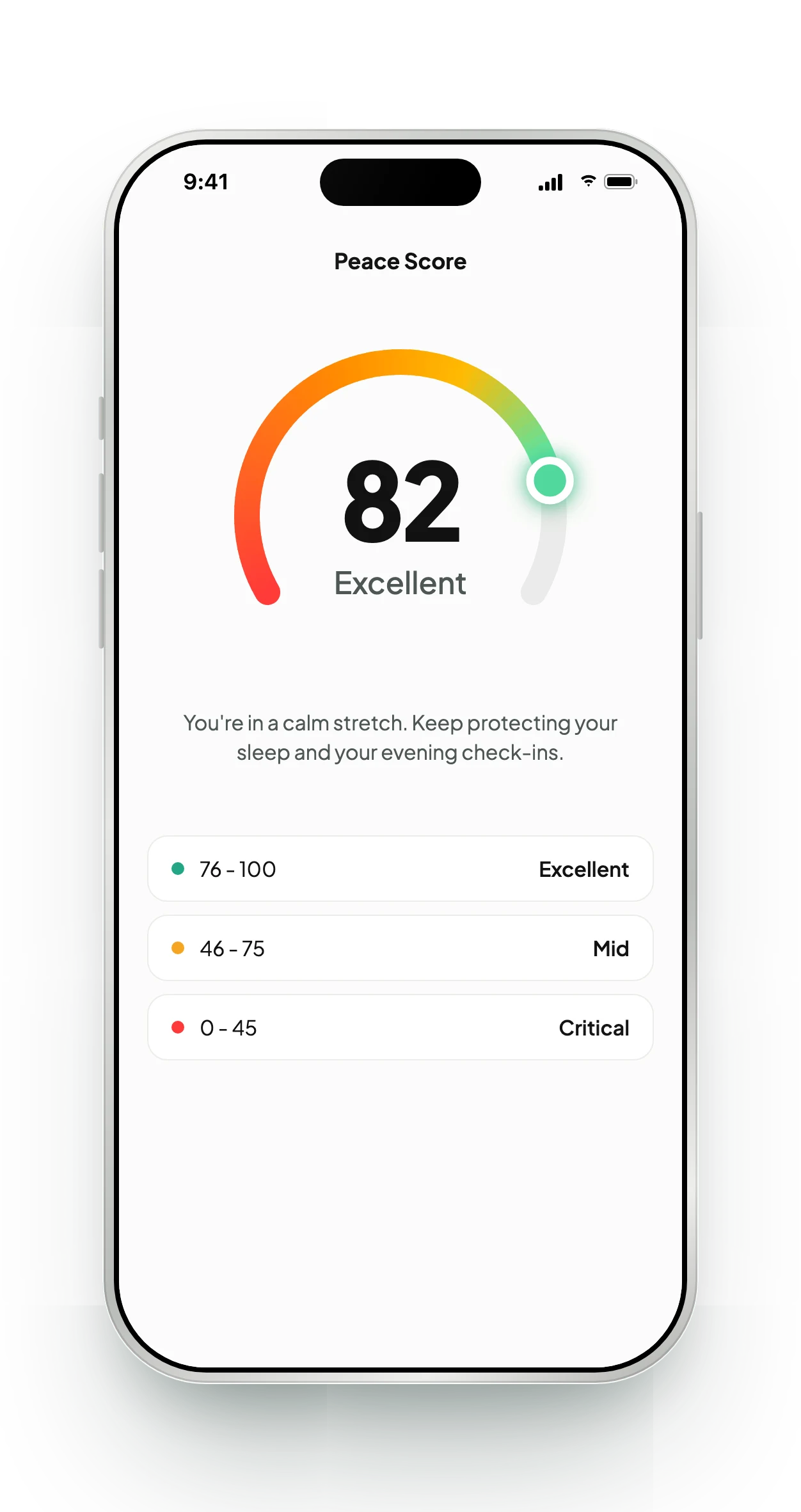
Context for your companion, your sleep insights and your Peace Score.
Apple Health today. More on the way.
Every integration we add follows the same rules: read-only, only the data a feature uses, and off until you turn it on.
Available on iOSSteps, heart rate and sleep
Coming soonRecovery, strain and sleep
Coming soonSleep and readiness
Coming soonSteps, heart rate and sleep
Coming soonActivity and wellness data
Coming soonActivity and steps
Six rules.
No exceptions.
Apple Health follows them today, and every app we connect next has to as well. The legal detail is in our privacy policy.
On in three taps. Off in one.
- 1Open Undisturb and go to Profile → Integrations.
- 2Tap Apple Health, then Connect.
- 3On the iOS sheet, switch on the data types you're happy to share.
- 1In Undisturb, go to Profile → Integrations → Apple Health and disconnect. Syncing stops.
- 2To revoke access in iOS too: Settings → Health → Data Access & Devices → Undisturb, and turn everything off.
- 3To erase what was already synced, delete your account.
No. Undisturb works fully from your check-ins, journal and conversations. Integrations only add context, so insights can get sharper with less typing.
Yes. The iOS permission sheet lets you switch heart rate, sleep and steps on or off individually, and you can change it later in Settings. Undisturb uses whatever you allow.
No. The integration is read-only. We never add, edit or delete data in Health.
When you open Undisturb, and then every 30 minutes while the app is open. Each sync only carries today's steps, your latest heart rate readings and recent sleep.
No. If your company uses Undisturb for Teams, leaders only ever see aggregated, anonymized trends, and any group smaller than five people is hidden. Your health data is never shown to them.
Apple Health is iOS only. Google Fit is next on our list for Android, alongside WHOOP, Oura, Fitbit and Garmin.
Syncing stops straight away. To revoke access at the system level too, turn Undisturb off in iPhone Settings → Health → Data Access & Devices. To remove data already synced, delete your account.
Understand yourself earlier.
Emotions are complex. Understanding them shouldn't be. Download Undisturb free on iOS and Android.
Bringing it to your team? Book a demo